The Stats tab is what members see after the club is in the app: Me, Players and Club. Levels still live on our Player Levels page — this page is about what you can see and do day to day.
Me Stats
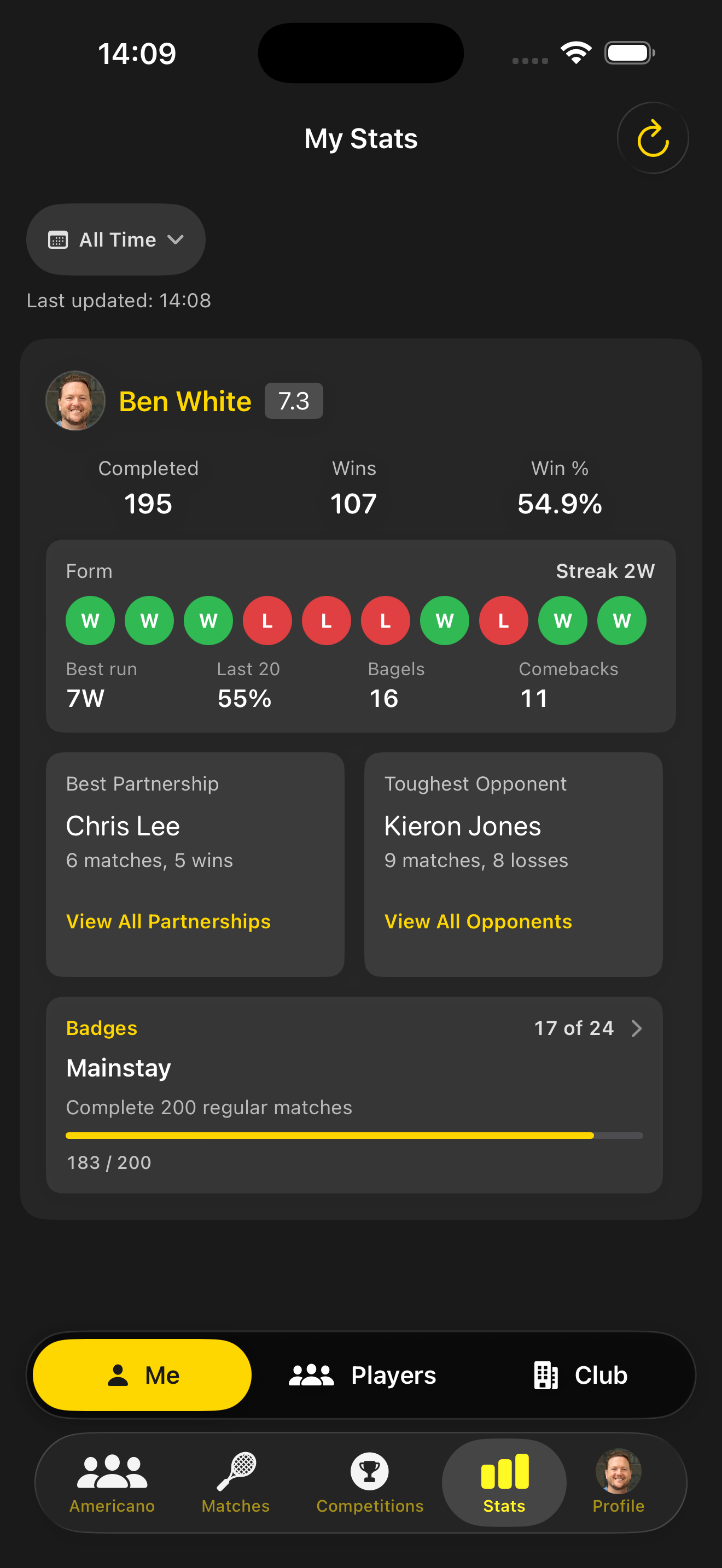
Games, wins and win rate sit alongside recent form, current streak, best run, bagels and comebacks. A badge teaser shows how close you are to the next unlock.
Filters let you focus on a time window that matches your season.
Partners & rivals
See who you thrive with and who pushes you hardest — best partner and toughest opponent, based on matches played together.
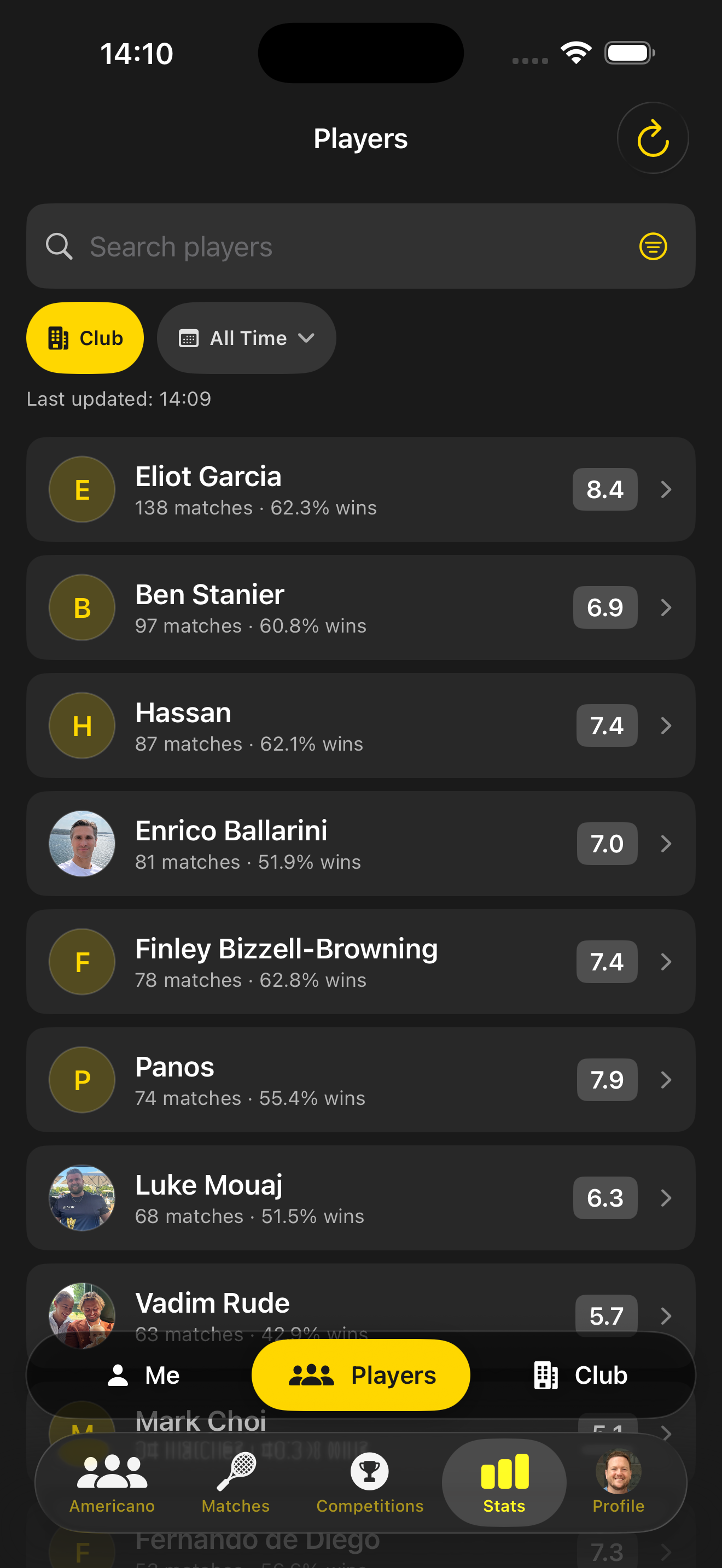
Browse the full Players directory to search clubmates by name, match count and win percentage.
Club leaderboard
Rank by match rating with Club, All, Men, Ladies and Followed filters. Tap any row to open that player’s public profile.
How the 0–10 scale works →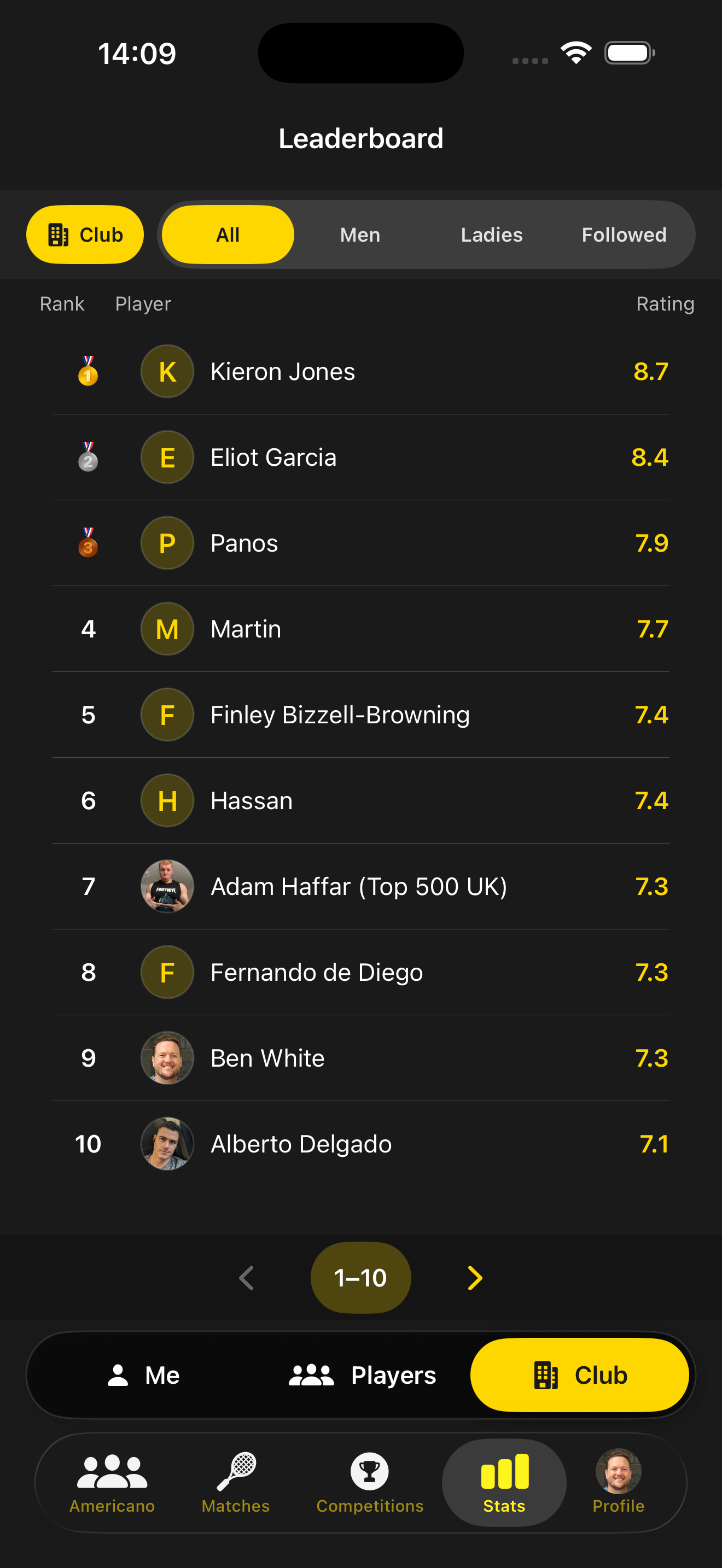
Public profiles & follow
Avatars, club, match rating with confidence, coach and Playtomic levels, head-to-head as partners or opponents, and a rating trend chart.
Follow players so they appear in your network — useful when scheduling matches for people you follow only.
How coaches run Group Lessons →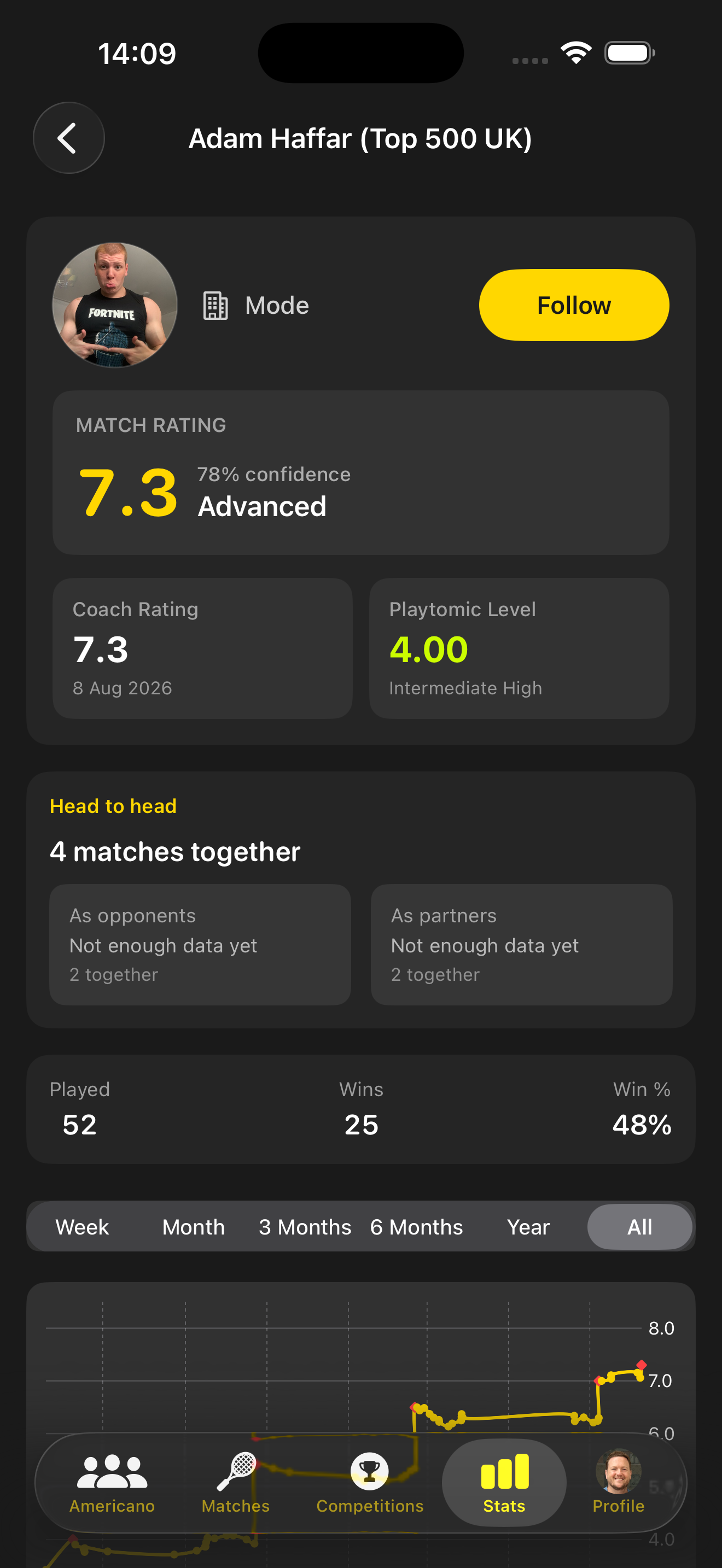
Your own profile
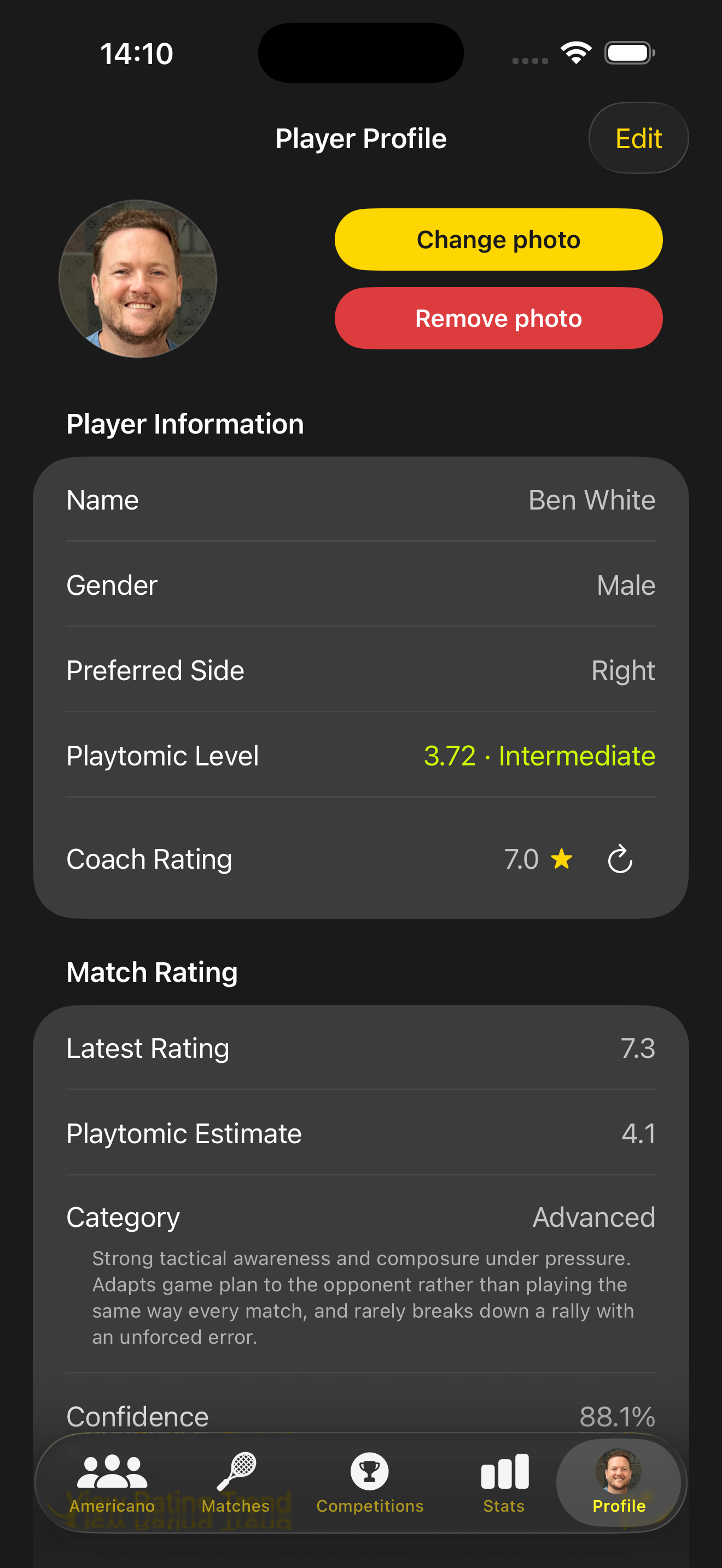
Set gender, preferred side (Left / Right / Either), Playtomic level and photo. Your match rating category — from Newcomer to Elite — sits alongside coach assessment when available, and is the same scale coaches use for Group Lessons.
Every match moves the needle
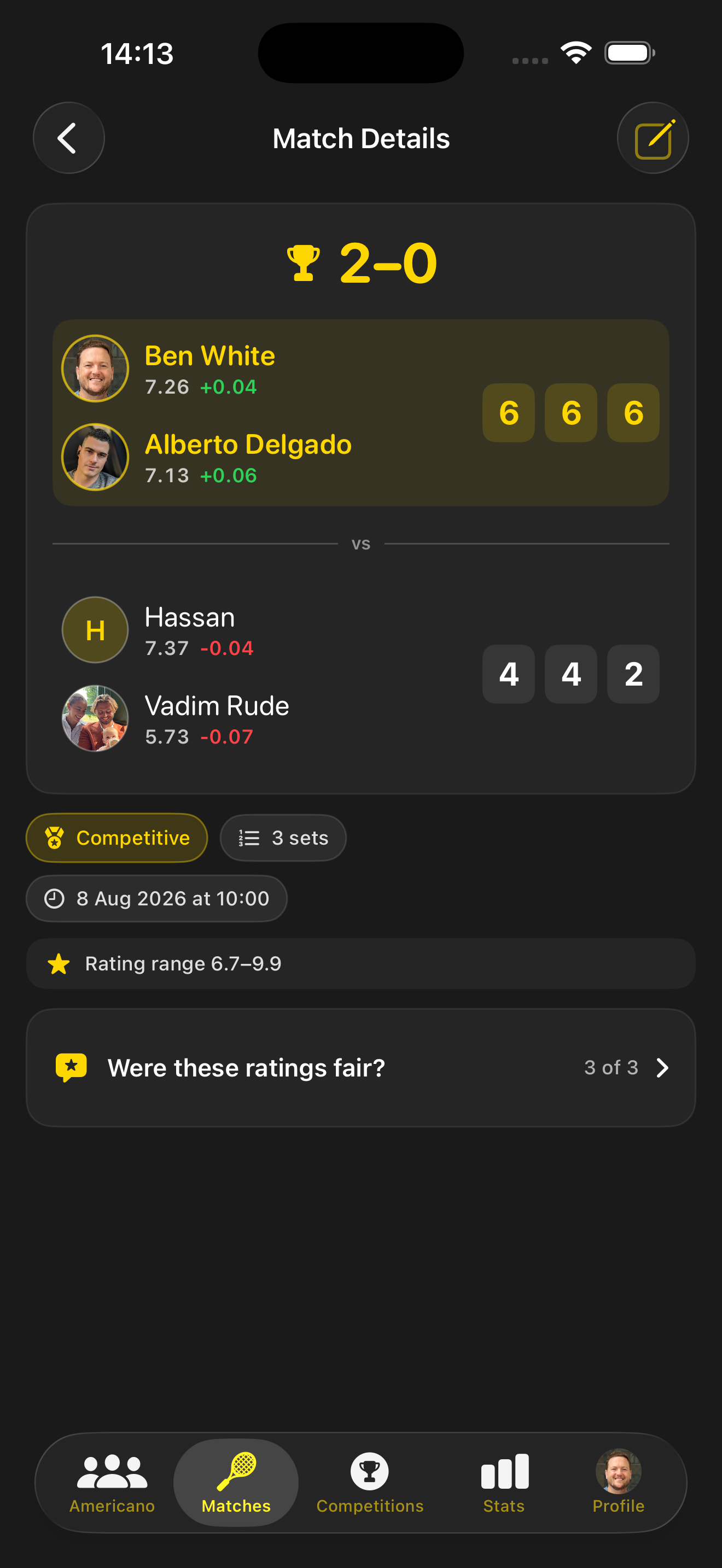
Completed matches show per-player rating deltas. You can also leave anonymous feedback on whether opponents’ ratings felt fair — helping keep levels honest across the club.
See your stats in the app
Download Padel Pals, join your club, and open the Stats tab.