Waitlist
Join the waitlist on someone else’s booking. You get a push if the court frees. You still book it from the day board.
Tap a free slot. Clubs set hours, slot length and who can book. The same courts then feed socials, box leagues and Group Lessons.
Court Bookings is the club day board, not a separate booking vendor. Clubs turn it on when they are ready, choose who may self-serve, and keep membership fees where they already are. Organised play still lives on Club Socials, Americano, Box League and Group Lessons. Those sessions now sit on booked courts. Member court booking is unpaid.
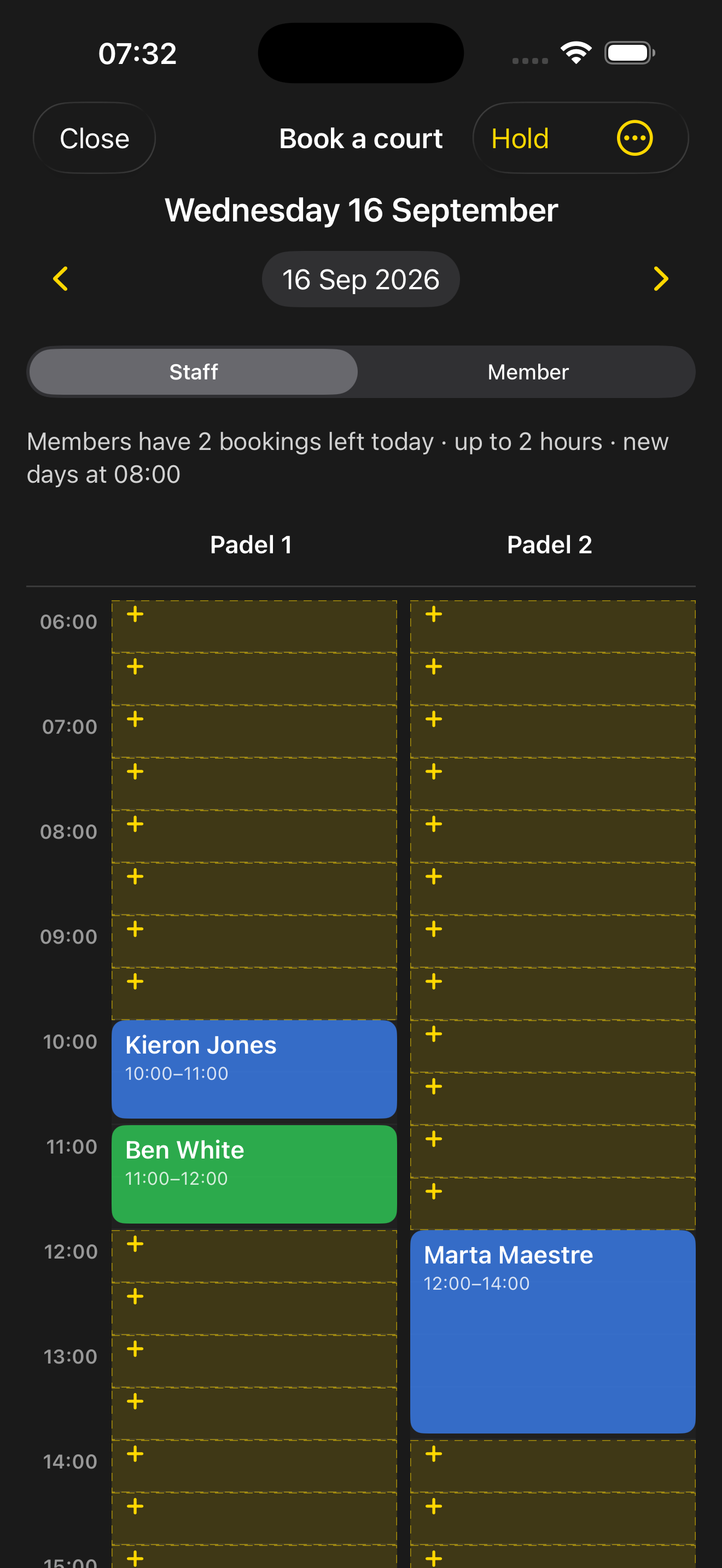
Open Book a court from Club Home, Matches or Profile. The day board shows each court by hour: Free, Booked, Held or Lesson. Pick a start time, choose how long, and the slot is yours. No extra app, no spreadsheet of who has the court.
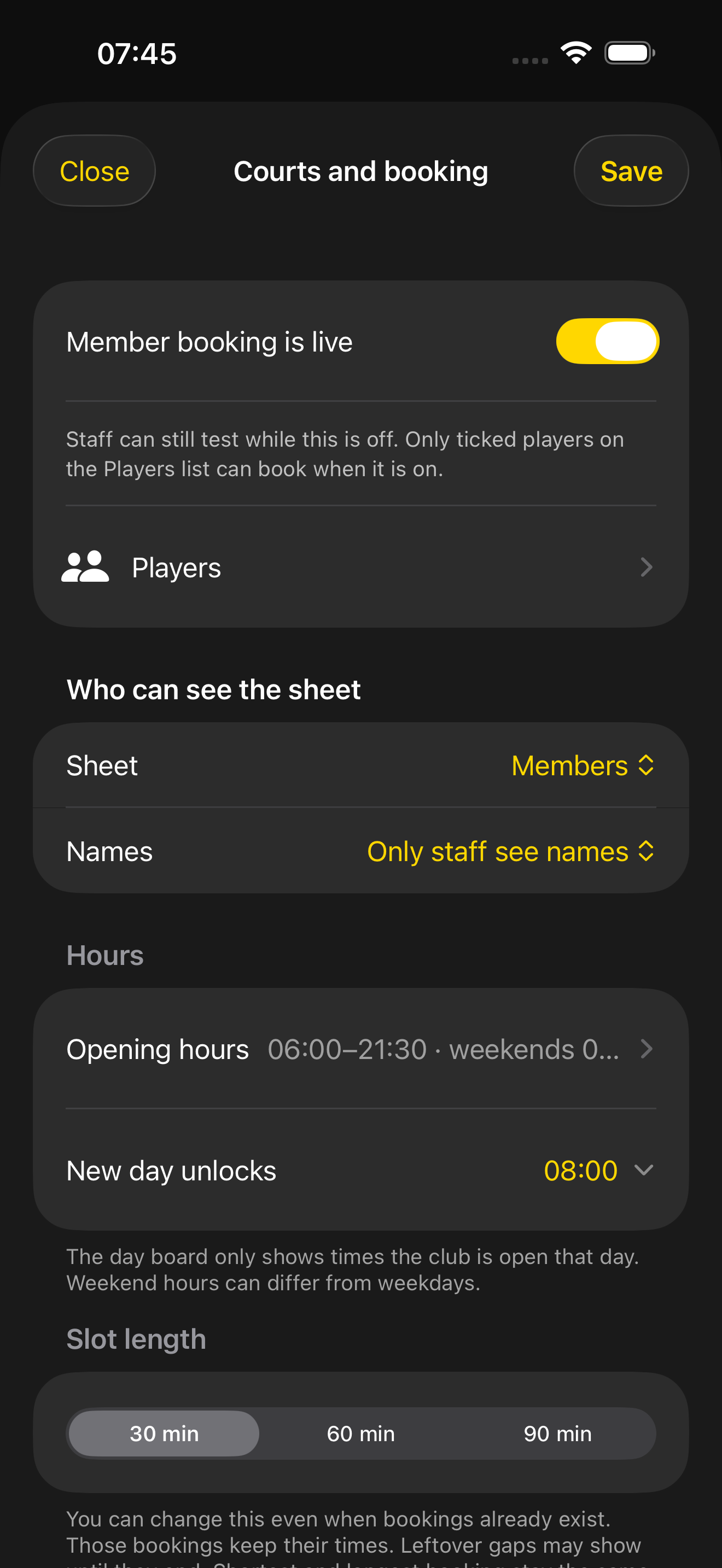
Club Admin → Courts and booking. Set opening hours per weekday, when new days unlock, and slot length (30, 60 or 90 minutes). Everyone rules cover how far ahead members can book, a quota, shortest and longest duration, the cancel window, and optional group booking. Add booking types and holds when the club needs them.
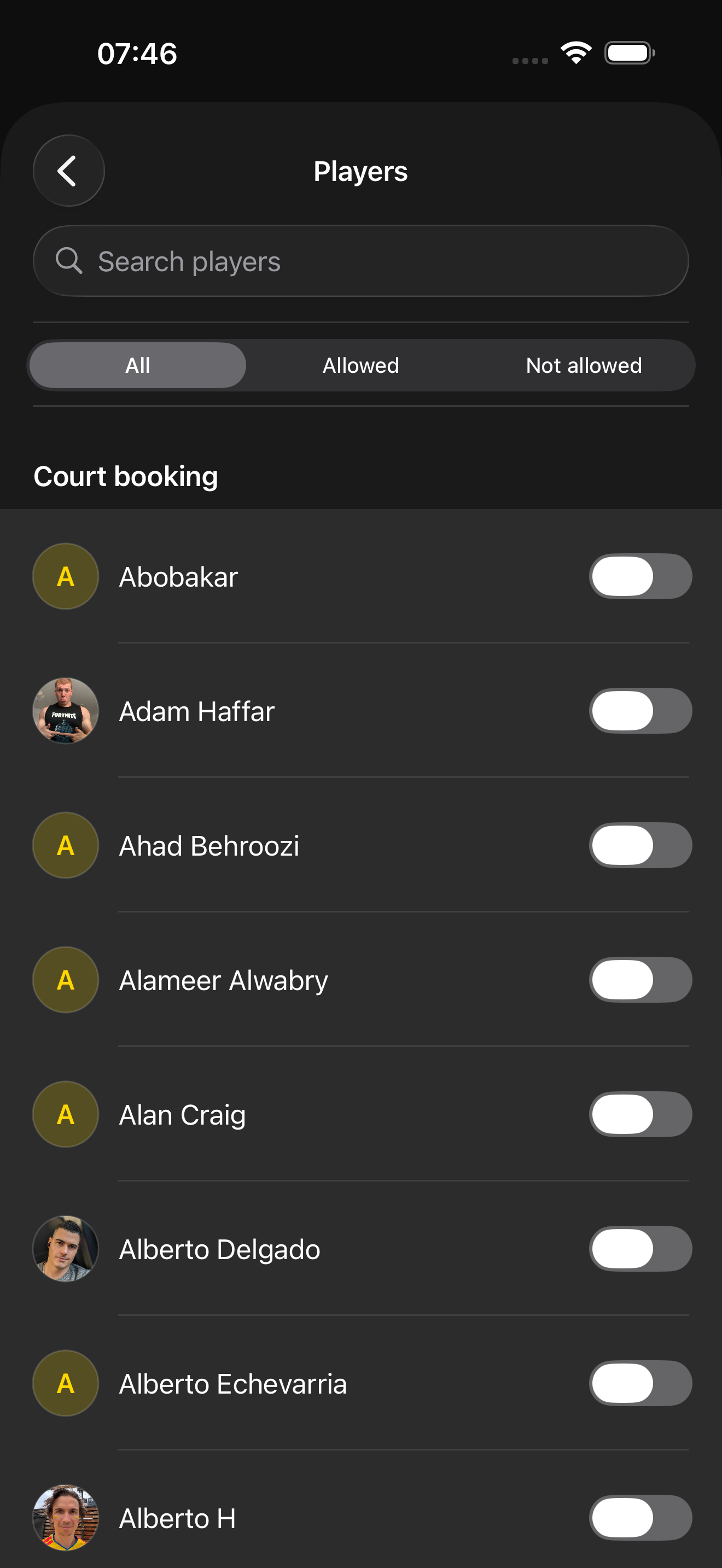
Self-serve is deny-by-default. Tick Court booking on the Players list, then turn on Member booking is live. Only those members see Book a court. Staff can still test the board and book as any home-club player, including people who are not on the list.
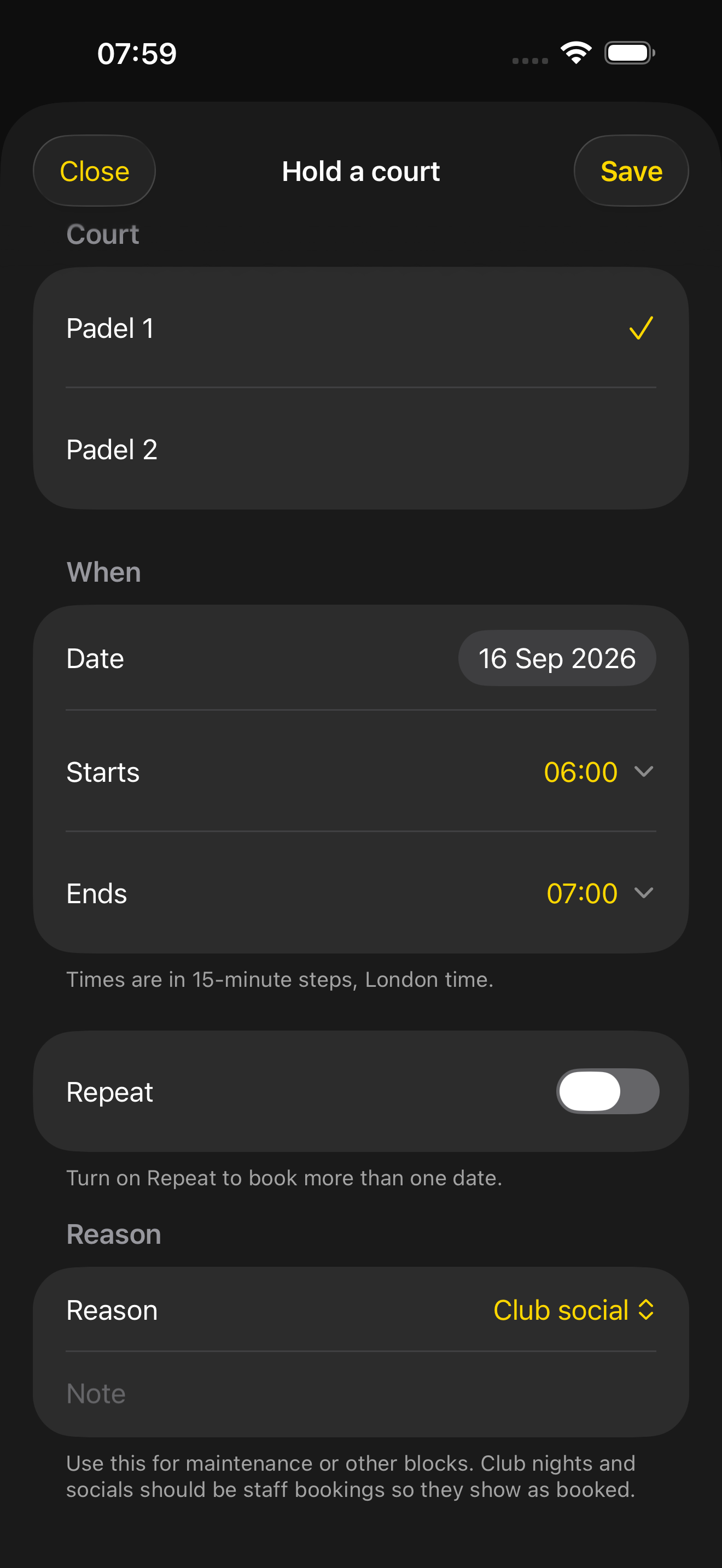
A social cannot open until its courts are booked. Organisers book them as Club social, once or every week for standing nights, then collect availability and publish fixtures as usual. Who plays whom stays on Club Socials; who has the court is already on the board.
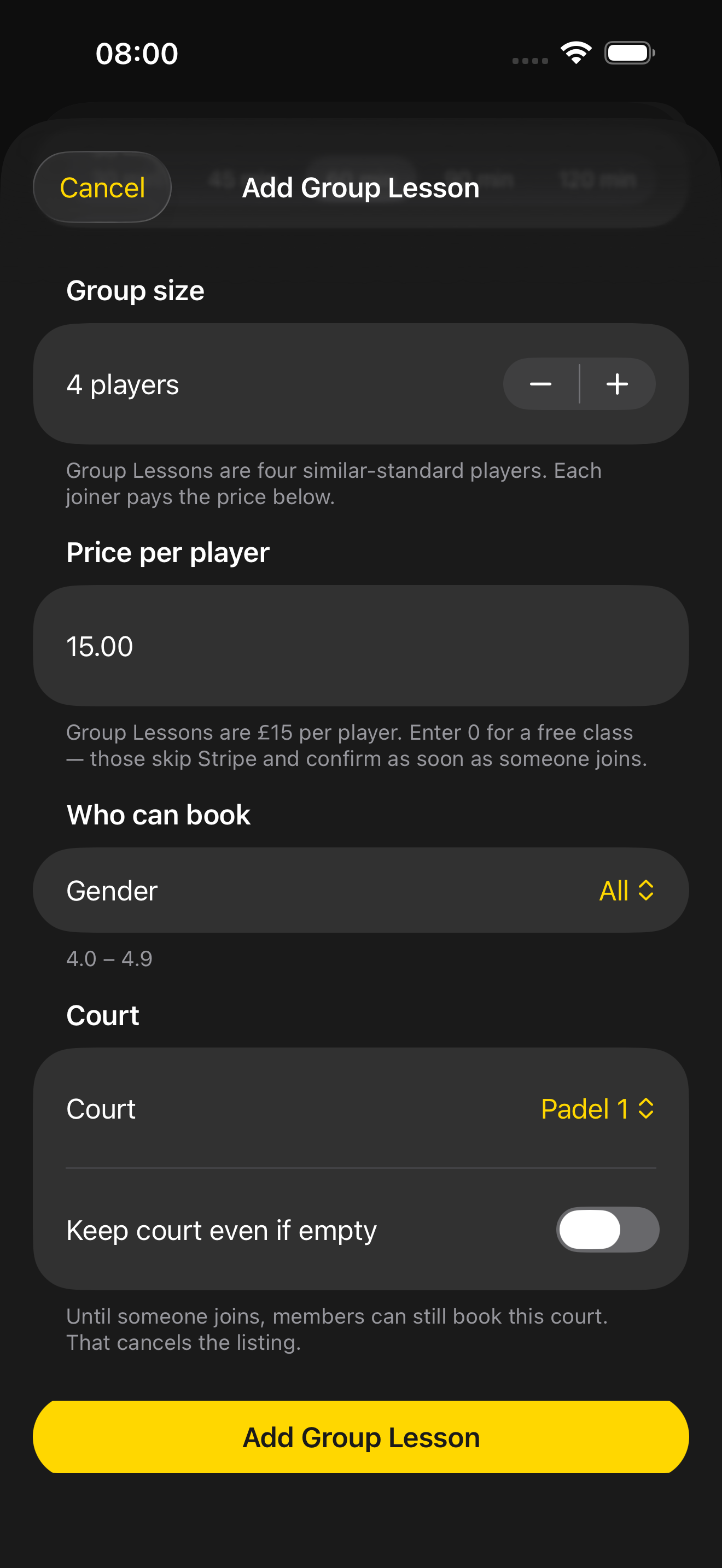
Coaches pick a court when they publish a class. Leave it listed until someone joins, or turn on Keep court even if empty so the lesson stays reserved. Empty listings can be booked by a member; a live lesson keeps the court. Coaching still lives on Group Lessons. The board just shows the court is taken.
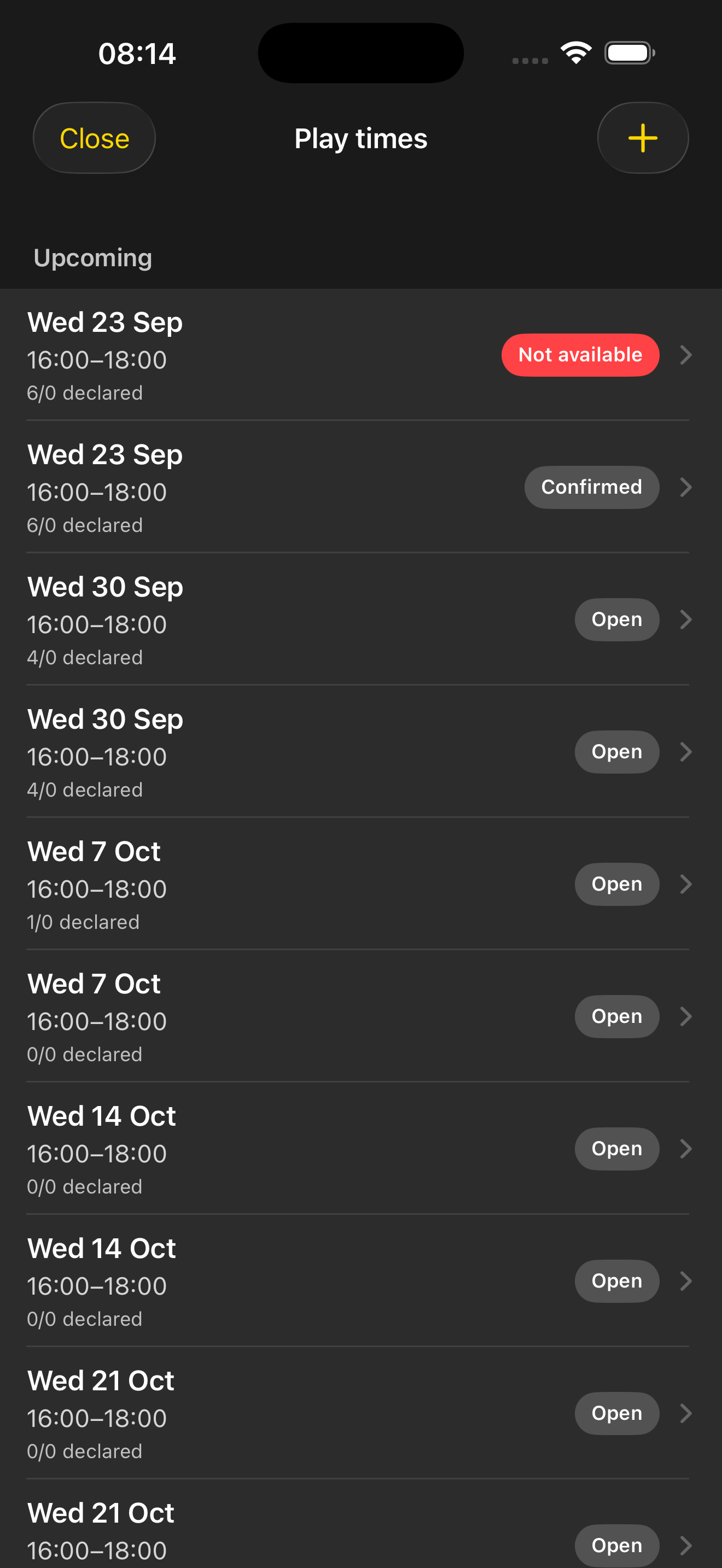
Staff open shared Play times so box matches have a court window. Those assignments become bookings on the same board, and the booking can link through to the play window or to enter a score. How Box Leagues run is on Box League; playing rules stay on Box League rules. The court is no longer a side conversation.
The board stays simple. A few rules keep gaps fair and phones in sync.
Join the waitlist on someone else’s booking. You get a push if the court frees. You still book it from the day board.
Open a booking and add it to the phone calendar. My court bookings lists everything coming up.
A slot that would leave a gap too short to book is blocked, so hours stay usable for the next member.
Download the app, select your club or add it, then turn on Courts and booking when you are ready. Need help getting started? Contact us.